
Server Rack Buying Guides: Find the Right Rack for Your Space
Every ranked server rack guide on HeavenPC is collected here, so you can go straight to the one that matches your gear, your room and your budget.
This is the starting point for all of our ranked buying guides. Each card below leads to one guide that compares server racks for a single need, such as a homelab closet, a wall-mounted network setup or a cabinet with a lockable door.
Start with the card whose title matches your situation. If you already know the format you want, look for open-frame, wall-mount, 2-post or enclosure in the titles. If you only know where the rack will live, try the home, desktop or small network guides first.

Best Wall-Mount Server Rack 2026: Depth, Load and Stud Mounting Compared
Wall-mount server racks compared on usable depth, load rating and stud mounting. The StarTech RK12WALHM wins for deep gear; picks for tight walls and tight budgets.
Read the guide →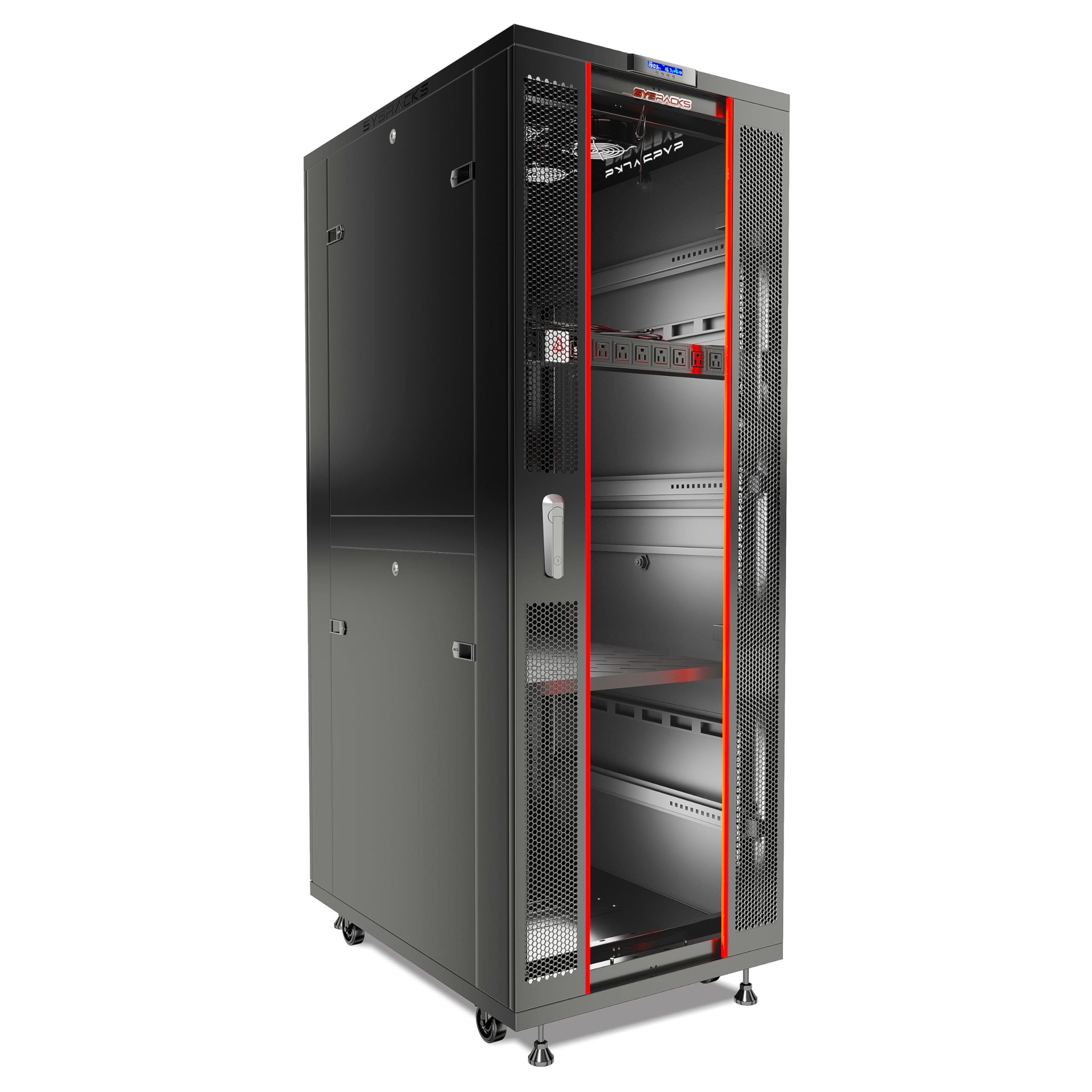
Best Server Rack Enclosure 2026: Lockable Cabinets with Doors, Side Panels and Fans
The best server rack enclosures for 2026: lockable doors, side panels and fans. Sysracks SRF 42.6.8 tops the list for active cooling and a full kit.
Read the guide →
Best 42U Server Rack 2026: Open Frame or Enclosed Cabinet for a Full-Height Build
The StarTech 4POSTRACK42 is the best 42U server rack, with 22 to 40 inch adjustable depth and a 1322 lb static rating; a lockable cabinet suits shared spaces.
Read the guide →
Best 2-Post Rack 2026: When Two Posts Are Enough for Your Network Gear
The best 2-post racks for 2026, ranked: a wall-mount frame, a 45U floor frame and a desktop starter, plus how to size, anchor and load a two-post rack.
Read the guide →
Best Home Server Rack 2026: Sized for a Homelab, Closet or Office Corner
Home server racks sized for a closet, garage or office corner. How many U you need, the depth that decides fit, and the five racks that suit a real house.
Read the guide →
Best Small Network Rack 2026: Room for a Switch, Patch Panel and Router
A 6U to 8U 19-inch rack with 12 to 14 inches of usable depth fits a switch, patch panel and router. The StarTech WALLMOUNT6 is our top pick for most home labs.
Read the guide →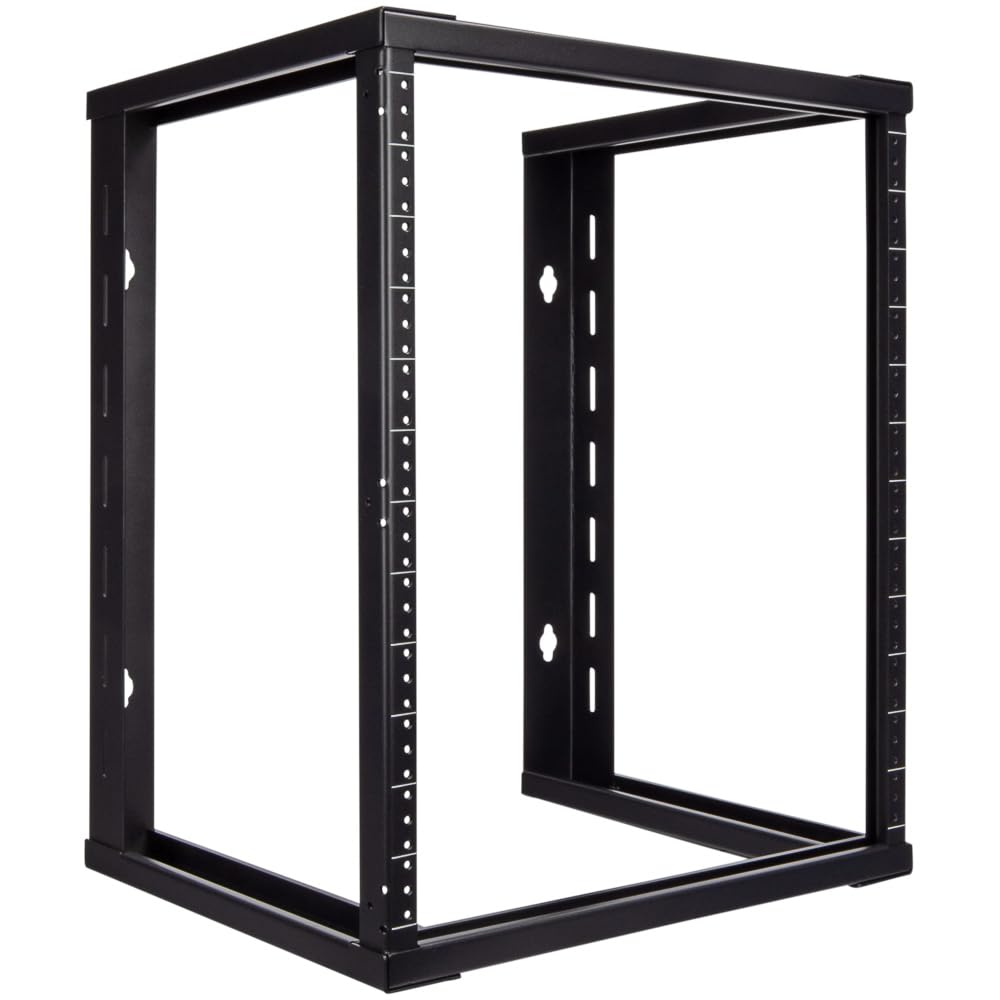
Best 12U Server Rack 2026: Homelab Servers, UPS and Networking in One Rack
The StarTech 4POSTRACK12U is our top 12U server rack for a homelab: adjustable 22 to 40 in depth and a 1,200 lb stationary rating. Wall and enclosed picks inside.
Read the guide →
Best Open-Frame Rack 2026: Airflow and Easy Cable Access Without a Cabinet
The StarTech 4POSTRACK12U wins for its adjustable depth and four-post support. Compare five open-frame racks for airflow, access, and load.
Read the guide →
Best 10-Inch Rack 2026: Mini Racks for Raspberry Pi and Small Homelab Gear
The GeeekPi DeskPi RackMate T1 leads for its 8U of height and light aluminum frame, with the deeper Tecmojo 12U mini rack for small NAS gear.
Read the guide →
Best Vertical Wall-Mount Rack 2026: Mounting Switches Flat Against the Wall
Best vertical wall mount rack for 2026: the StarTech RK319WALLV tops our list, with the Rackpath 2U and Jingchengmei as solid picks for lighter stacks.
Read the guide →
Best 6U Server Rack 2026: Wall-Mount or Cabinet for a Small Office Network
The best 6U server rack for a small office network, ranked by usable depth, load rating and assembly. Open frames and enclosed cabinets compared.
Read the guide →
Best Server Rack with Cooling 2026: Fans and Ventilation to Keep Gear From Overheating
Racks with real cooling, ranked by airflow: how many CFM your gear needs, where fans belong, and which cabinet keeps servers and switches from overheating.
Read the guide →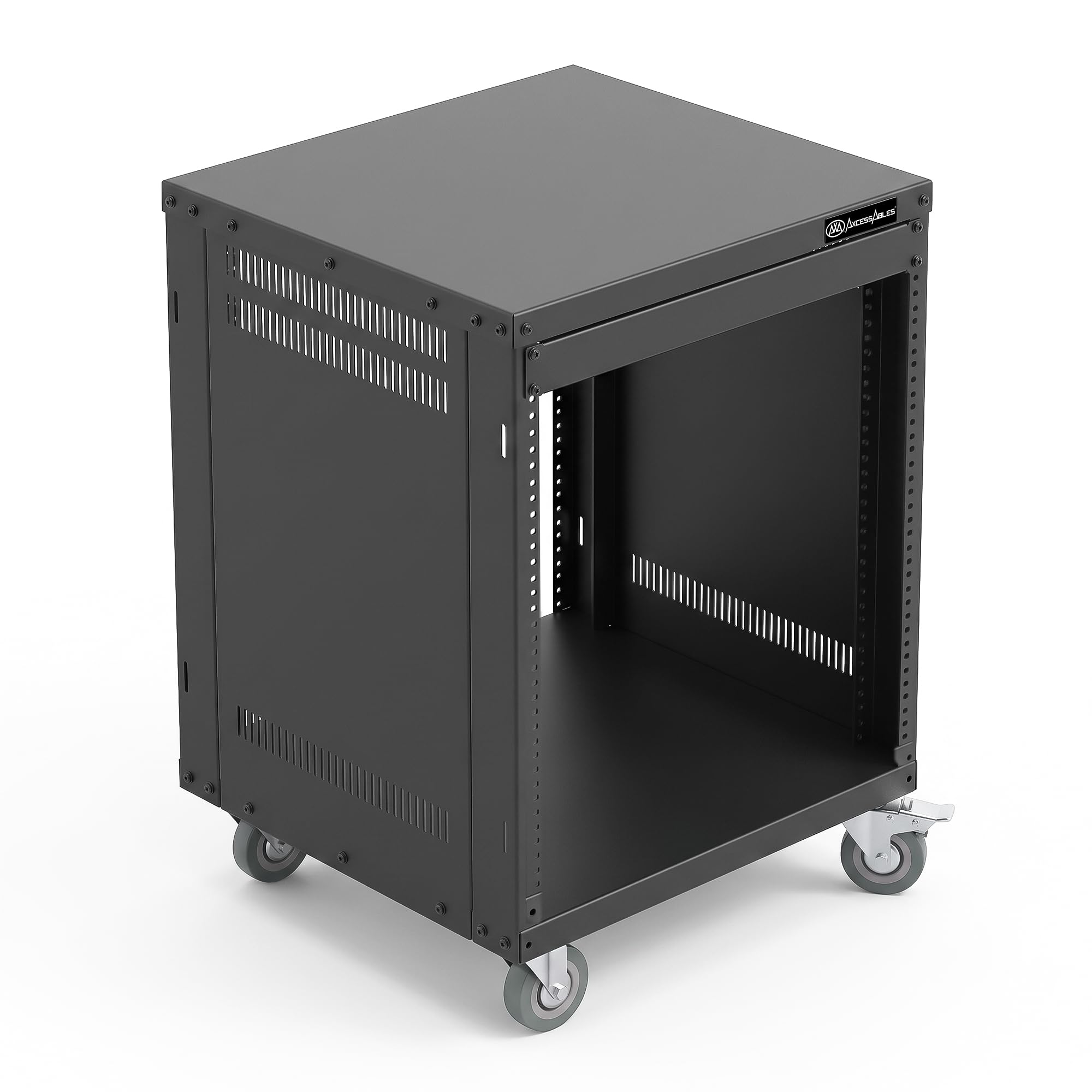
Best Server Rack on Wheels 2026: Casters, Load Capacity and Moving a Loaded Rack
The best server rack on wheels for most buyers is the StarTech 4POSTRACK12U: adjustable depth, casters, feet or a floor base plate. Plus how to move a loaded rack.
Read the guide →
Best Tripp Lite Server Cabinet 2026: From Switch-Depth Wall Units to Full-Height Floor Models
Which Tripp Lite server cabinet fits your gear? The SRW6U is the best small wall pick, the SRW12USG the best mid-range, the SR42UB the full-height floor answer.
Read the guide →
Best 4U Server Rack 2026: Compact Wall Racks with Room to Grow
The best 4U server racks for 2026: wall brackets and vertical frames that hold a switch, patch panel and 1U server, with the depth and weight math to pick right.
Read the guide →
Best 2U Server Rack 2026: A Wall Bracket for a Switch and Patch Panel
A 2U server rack gives you 3.5 inches of 19-inch rack space. We rank five 2U wall brackets for a switch and patch panel, with depth, load and mounting advice.
Read the guide →
Best 24U Server Rack 2026: Wall-Mount or Floor-Standing for a Small Office
Our top pick is the StarTech RACK-24U-20-WALL-OA open frame: 42 in of mounting height, no floor footprint. We also rank enclosed cabinets for small offices.
Read the guide →
Best Outdoor Network Enclosure 2026: Weatherproof IP Ratings for Pole and Wall Mounting
IP65 enclosures for pole and wall mounting, ranked for heat, size and sealing. Find the right outdoor network enclosure for a switch, AP or small NVR.
Read the guide →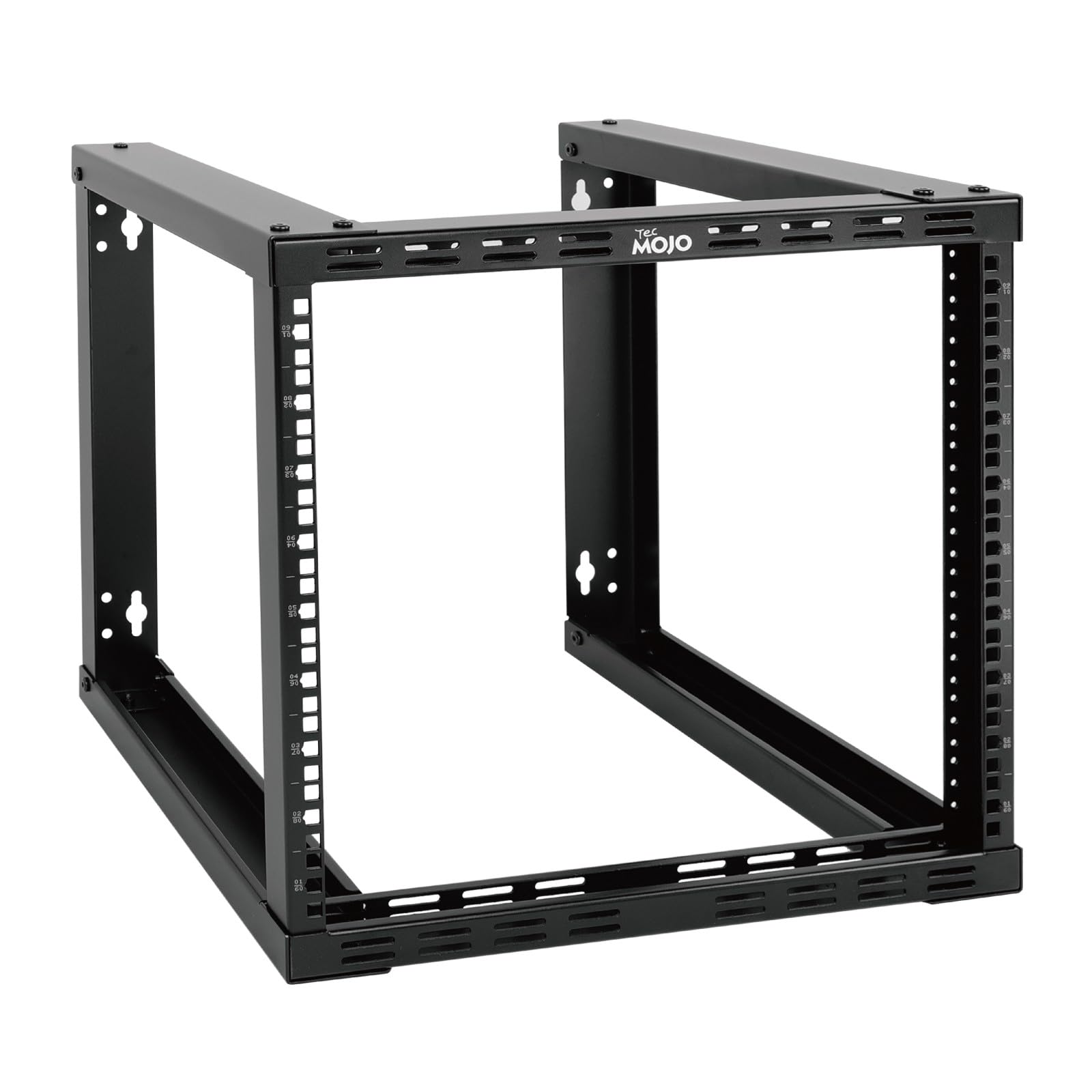
Best 9U Server Rack 2026: Heavy-Duty Wall Racks for a Full Network Stack
The best 9U server rack for a full network stack is the Tecmojo 9U fixed wall rack: open frame, 110 lb, both hole types. Enclosed and heavy-duty picks inside.
Read the guide →
Best Half-Rack Server Cabinet 2026: Full-Depth Mounting in a Half-Height Frame
Half-rack server cabinets that take full-length chassis in a half-height frame. Sizing rules for U, depth and anchoring, plus five ranked cabinets.
Read the guide →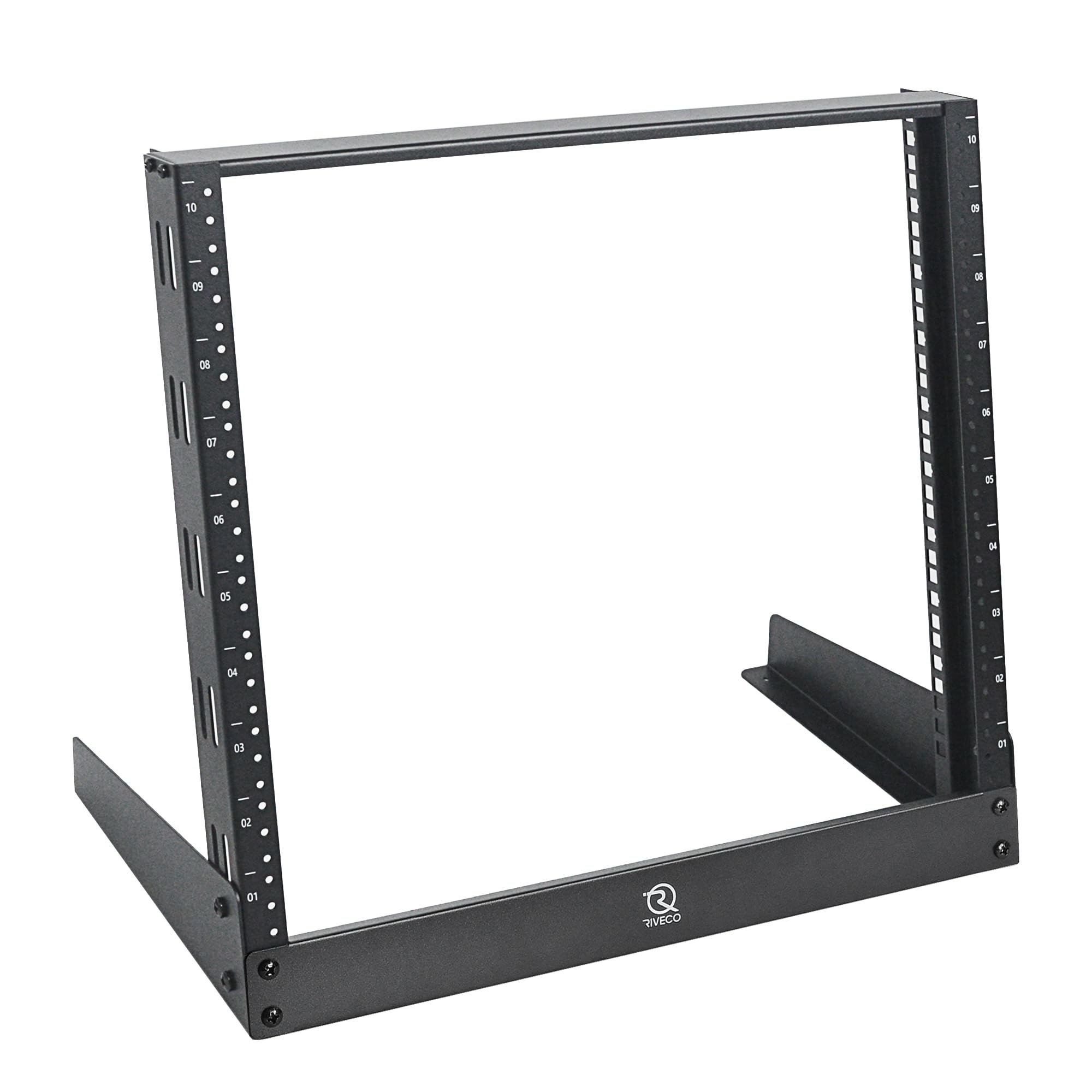
Best Desktop Server Rack 2026: Rack Gear That Sits on a Bench or Desk
The best desktop server rack for 2026: the StarTech RK8OD leads for 8U of 19-inch gear on a bench. Depth, U height and stability explained, plus 10-inch picks.
Read the guide →
Best 18U Server Rack 2026: Floor Racks Deep Enough for Full-Size Servers
The StarTech 4POSTRACK18U is our top 18U server rack for full-size servers, with 22 to 40 in of adjustable depth. Compare five 18U floor and wall racks.
Read the guide →
Best Server Rack 2026: Open Frame, Wall-Mount or Enclosed Cabinet?
The best server rack for most home labs and small offices is the StarTech 4POSTRACK12U, a 12U four-post open frame. How to pick format, U count and depth.
Read the guide →
Best 48U Server Rack 2026: Deep Cabinets with the Load Capacity to Match
The Tecmojo 48U server rack leads our shortlist with a 3,000 lb static rating and 48-inch depth. Compare four tall cabinets by load, depth, doors and warranty.
Read the guide →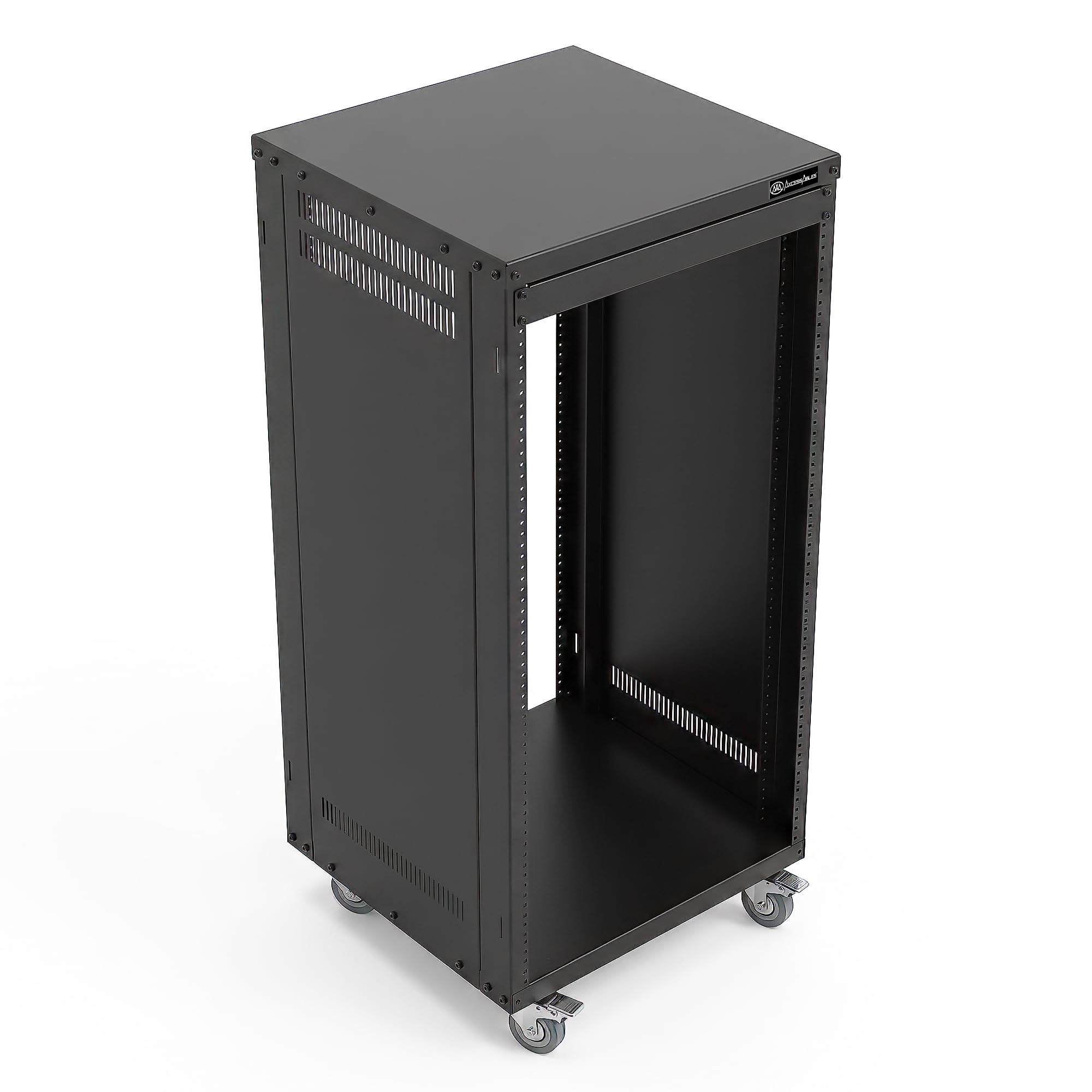
Best 22U Server Rack 2026: Load Capacity and Depth for a Half-Height Rack
The AxcessAbles RK22U wins for most buyers: 18 in of depth, 550 lb without wheels and both hole standards. For deep servers, the Riveco 22U adjusts to 38 in.
Read the guide →
Best 1U 19-Inch Rack 2026: Mounting a Single Switch or Patch Panel
The best 1U 19-inch rack for one switch or patch panel in 2026. Compare three 1U frames by depth, load and mounting, and check your gear fits before you buy.
Read the guide →
Best 15U Server Rack 2026: Open Frames for AV and Studio Gear
The Echogear EGAV-PROF15 wins for most AV builds: 600 lb on the floor, two vented shelves and 25 screws. The StarTech 4POSTRACK15U suits deep gear that rolls.
Read the guide →
Best 20U Server Rack 2026: Mid-Height Racks for a Growing Small Business
The Echogear EGAV-PROF20 is our top 20U rack for its 600 lb rating and 40U stackability. We also pick the Tecmojo 20U with shelves for a documented first build.
Read the guide →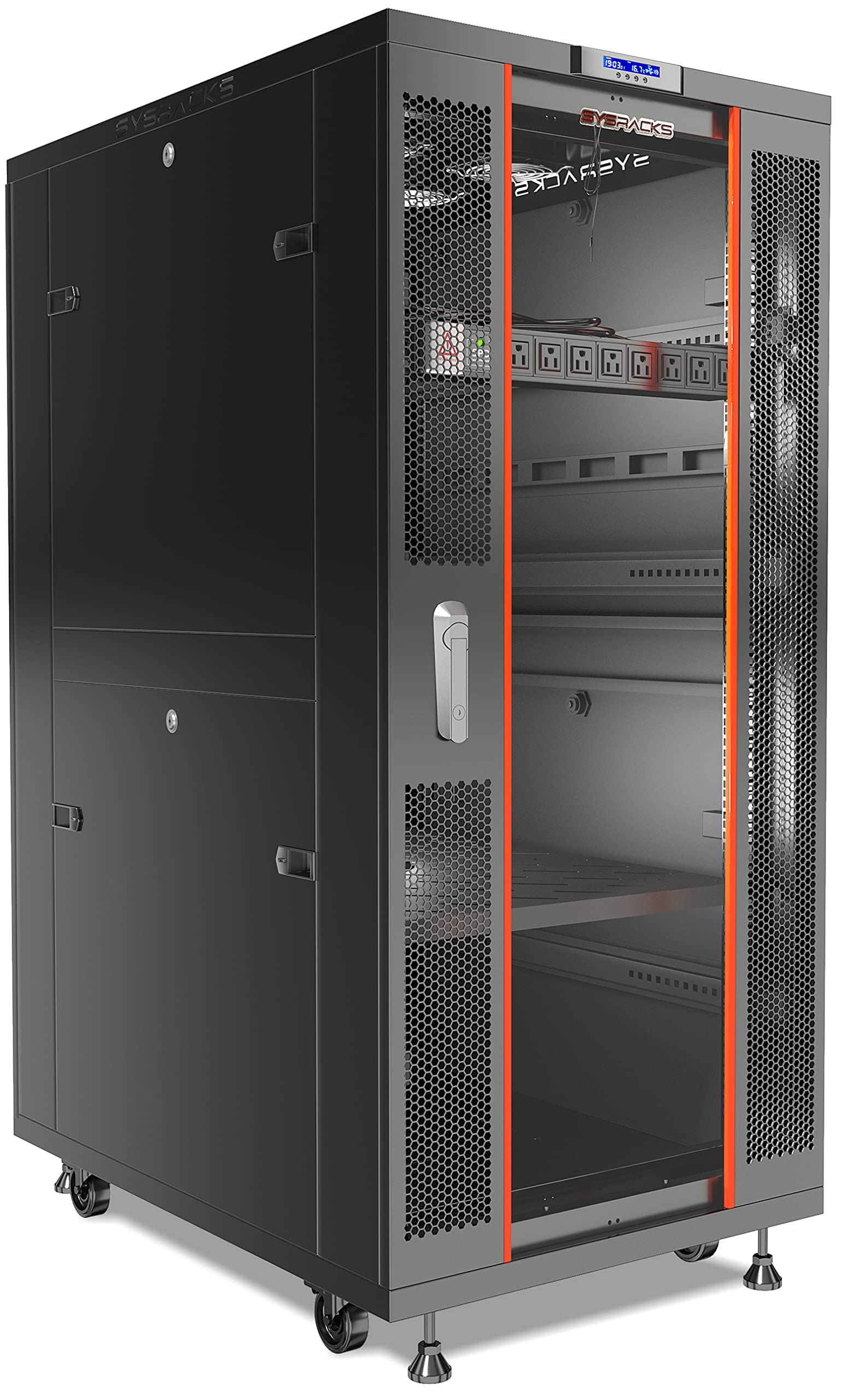
Best 32U Server Rack 2026: Enclosed Cabinets for Home Labs and AV Gear
32U gives you 56 inches of mounting space in a cabinet about 60 to 64 inches tall. We rank the best 32U server racks for home labs, studios and small offices.
Read the guide →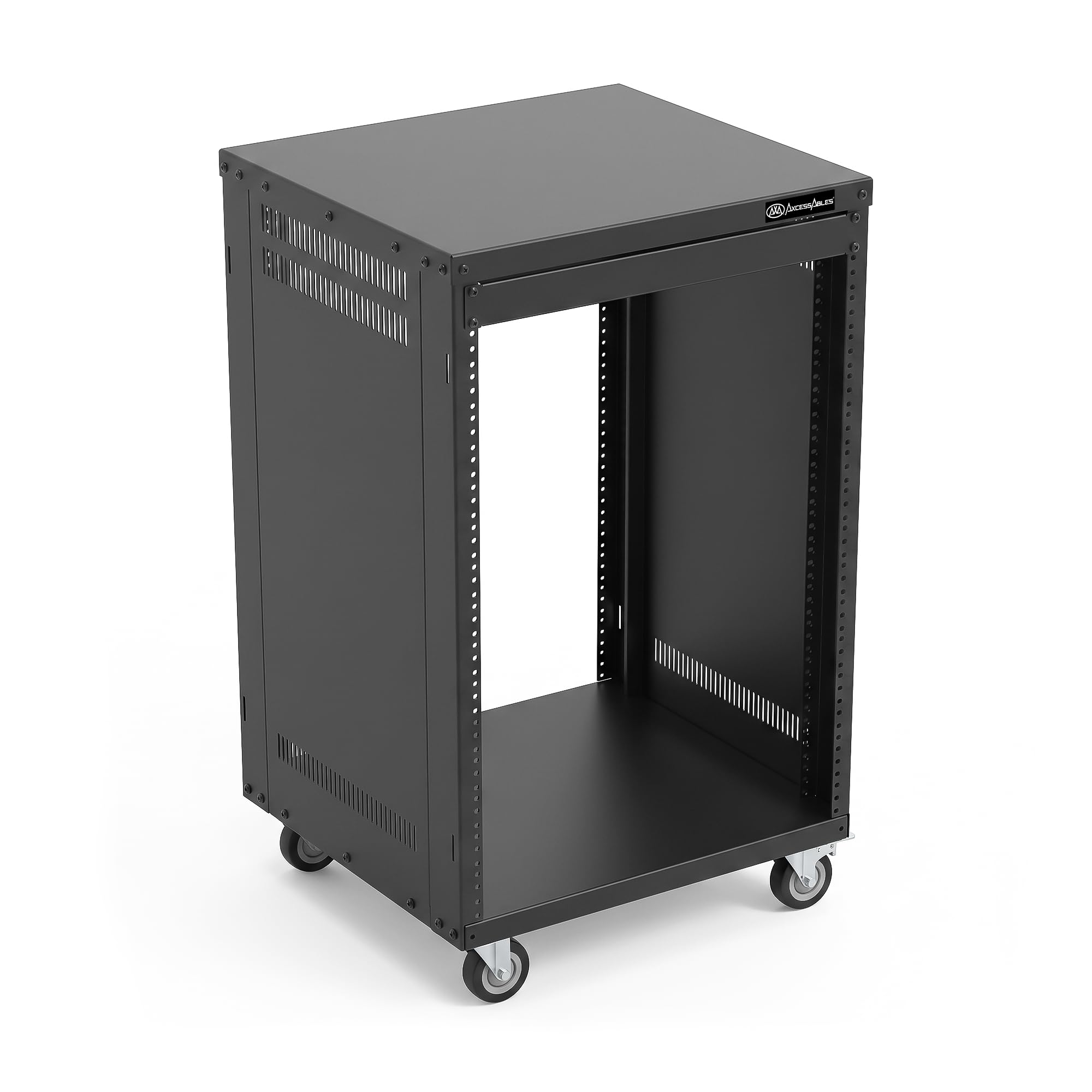
Best 16U Server Rack 2026: Rolling Racks for Gear That Moves
Our top 16U server rack pick for 2026 is the Axa Axcessables RK16U, a finished mobile rack with locking 3 in casters; the Tecmojo open frame suits a parked lab.
Read the guide →Start with where the rack will sit
The location narrows the choice faster than any other factor. A rack bolted to a wall cares about depth and load, a rack on a desk cares about footprint, and a rack in a closet cares about airflow. Pick the guide that describes your room first, then compare models inside it.
If the rack will need to move, for example between rooms or for service access, the guide on wheels covers casters and the load capacity that matters once the rack is full.
Match the format to your equipment
Rack format follows from what you plan to mount. Switches, patch panels and routers fit on shallow 2-post and wall-mount designs. Deeper gear usually calls for a 4-post frame or a full enclosure. Small boards and mini servers often suit a 10-inch rack instead of the standard width.
Check the depth of your deepest device before you compare anything else, then leave room for cables behind it. A rack that fits on paper but leaves no space for connectors causes more trouble than one that is slightly larger than needed.
Decide how much cooling and security you need
Open-frame racks give easy cable access and free airflow but no protection. Enclosed cabinets add doors, side panels and locks, and they can include fans to move heat out. If your gear runs warm or sits in a shared space, the enclosure and cooling guides are the better place to look.