
Server Rack Guides: Sizing, Cooling, Cabling and Setup Articles
Every practical server rack article we publish is gathered here, from dimensions and rack units to cooling, cabling and frame choices.
This index is for the questions that come before and after a purchase: how big a rack needs to be, what a rack unit means, how deep equipment runs, how to keep it cool and how to keep cables under control. These articles explain and compare. They do not rank products.
Scan the card titles below and pick the one that matches your question. Size and measurement topics sit next to setup and upkeep topics, and the comparison articles help when you are choosing between two designs.
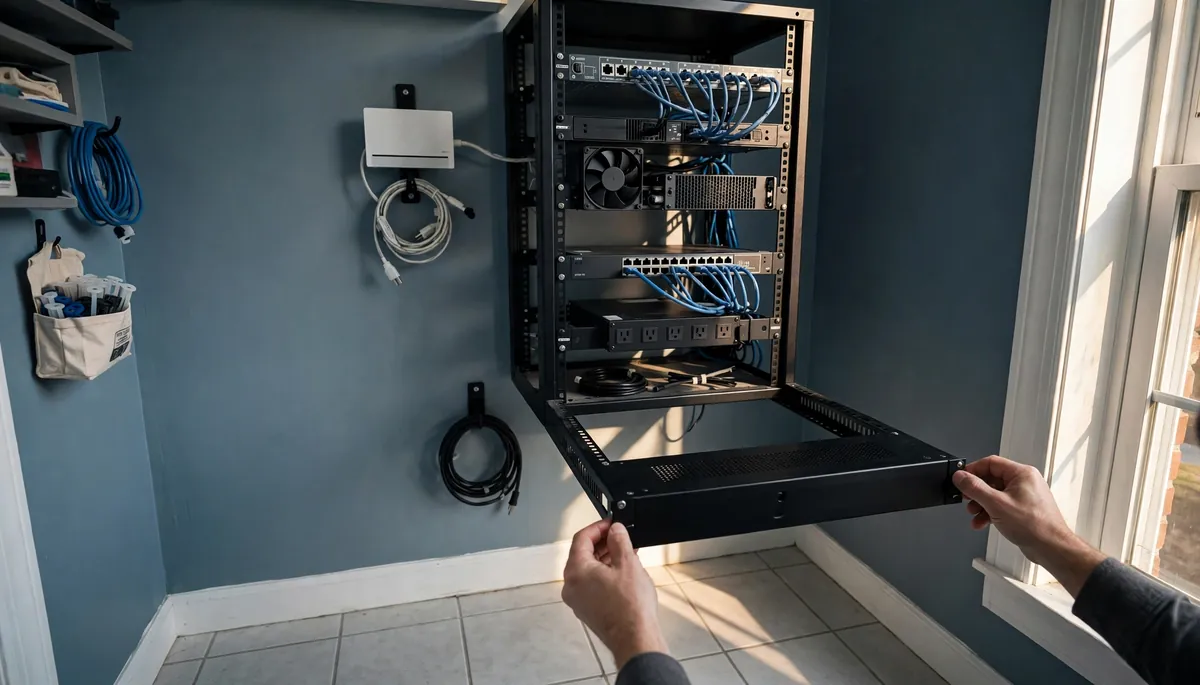
19-Inch Rack Dimensions Explained
19 inches (482.6 mm) is the width of the equipment front panel, not the cabinet. The rack unit, the four widths, U-to-height tables and how to pick depth.
Read more →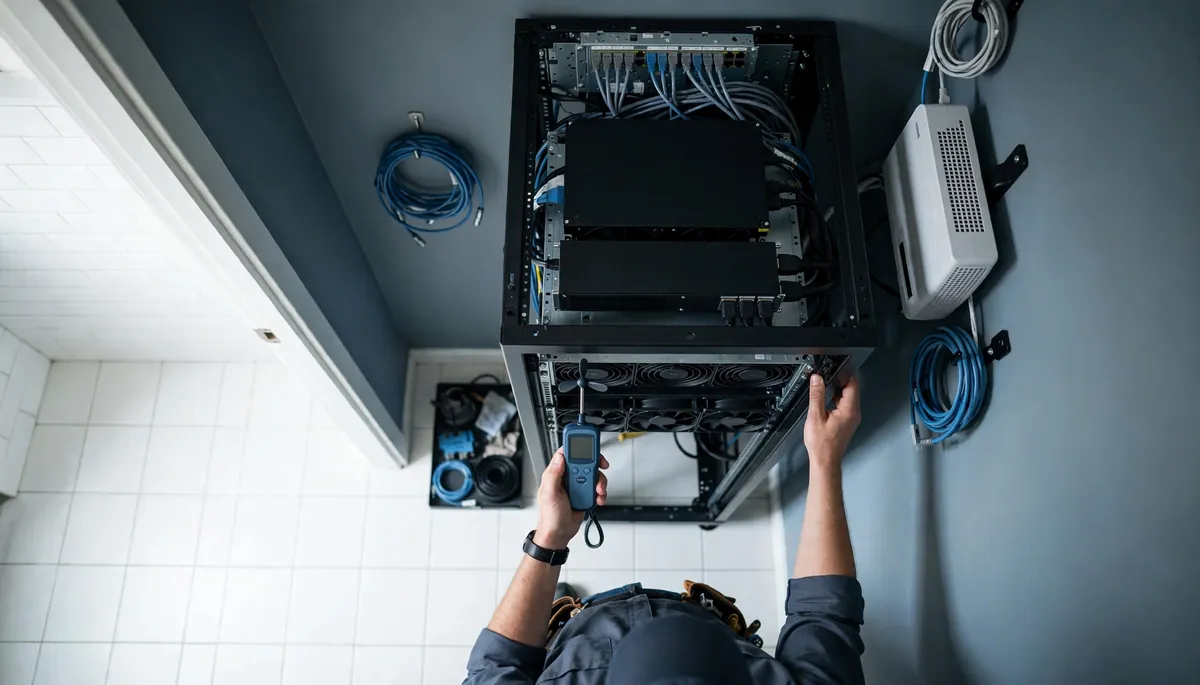
Server Rack Cooling: How to Keep Your Equipment at a Safe Temperature
Server rack cooling explained: the safe intake temperature, how to size heat load in BTU/h and airflow in CFM, airflow fixes, and the cooling ladder by wattage.
Read more →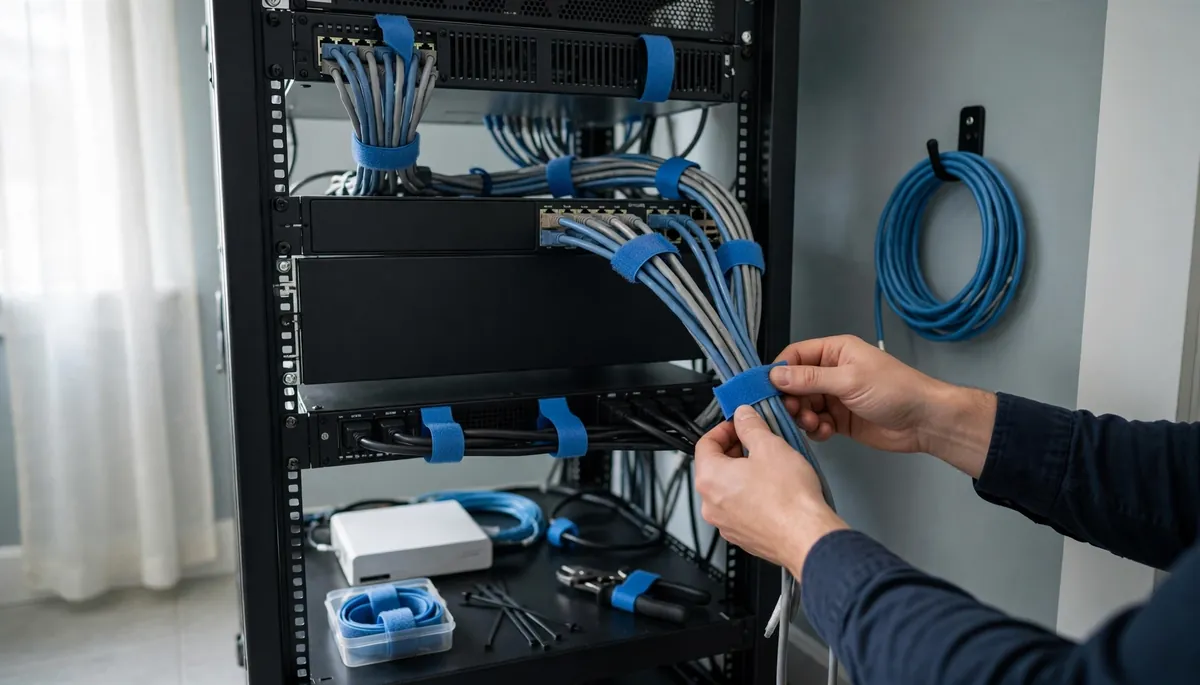
Server Rack Cable Management: Practical Tips for a Clean, Well-Ventilated Rack
Server rack cable management in plain terms: the three-zone layout, which managers to buy for a 6U to 42U rack, hook-and-loop vs zip ties, and airflow fixes.
Read more →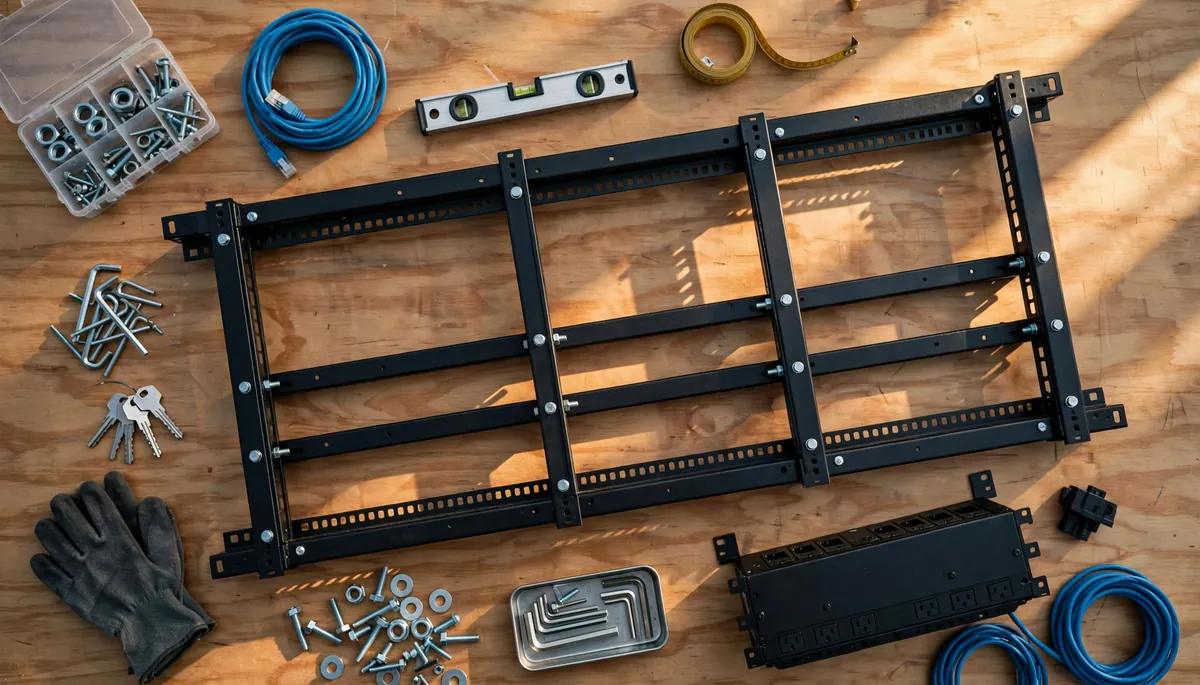
DIY Server Rack: How to Build Your Own
Build a 19-inch server rack yourself: standard dimensions, height and depth planning, six build methods with cut lists, plus load, grounding and airflow rules.
Read more →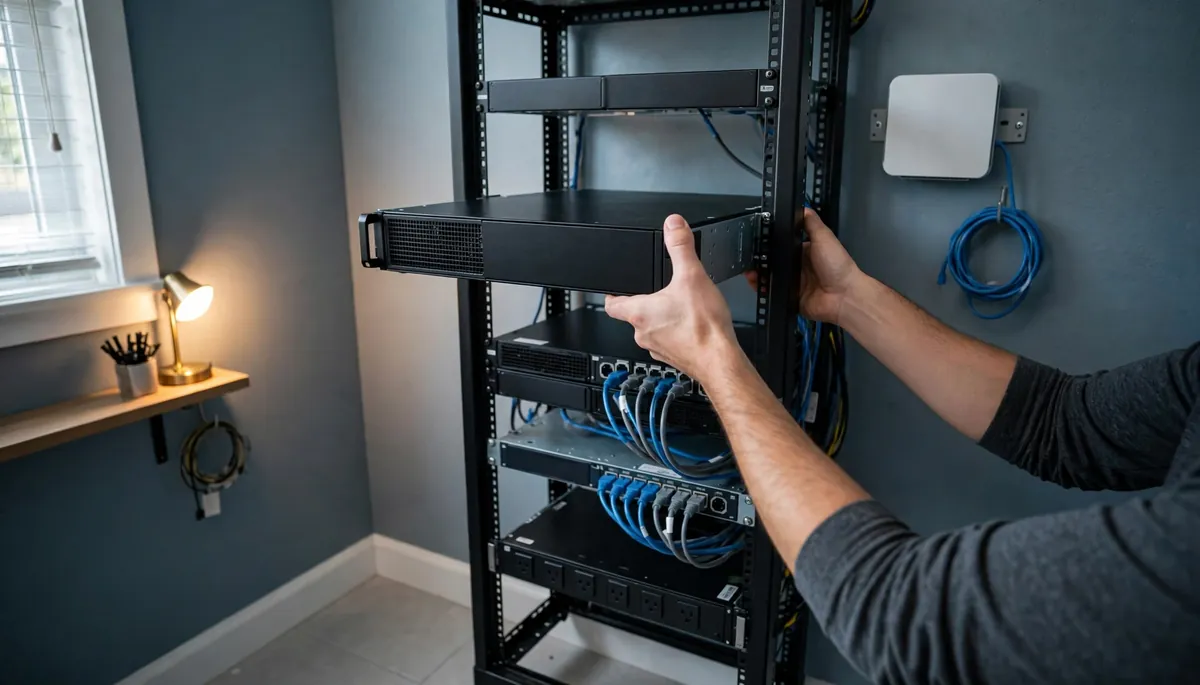
Server Rack U Size: What Does a Rack Unit Mean?
1U is 1.75 in (44.45 mm) of mounting height. See the full U to inches table, how the holes work, common rack sizes and how many U your gear needs.
Read more →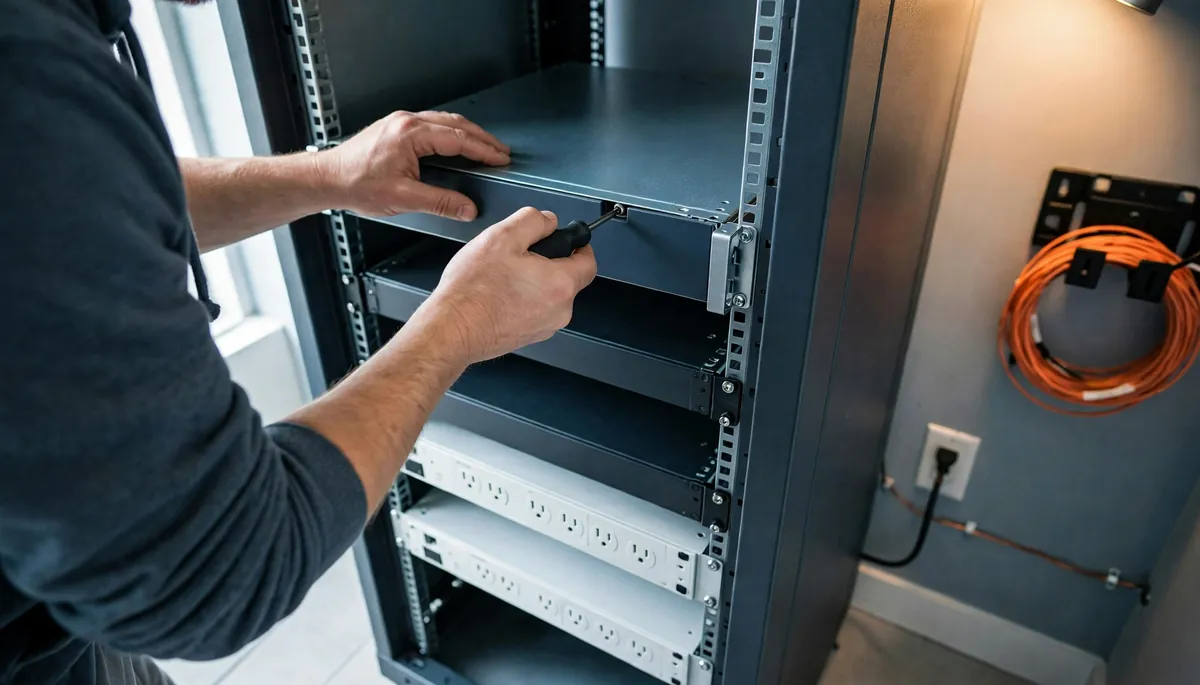
Server Rack Installation: A Step-by-Step Guide
Height in U, usable rail depth and load decide server rack installation, from the site survey through assembly, grounding and commissioning.
Read more →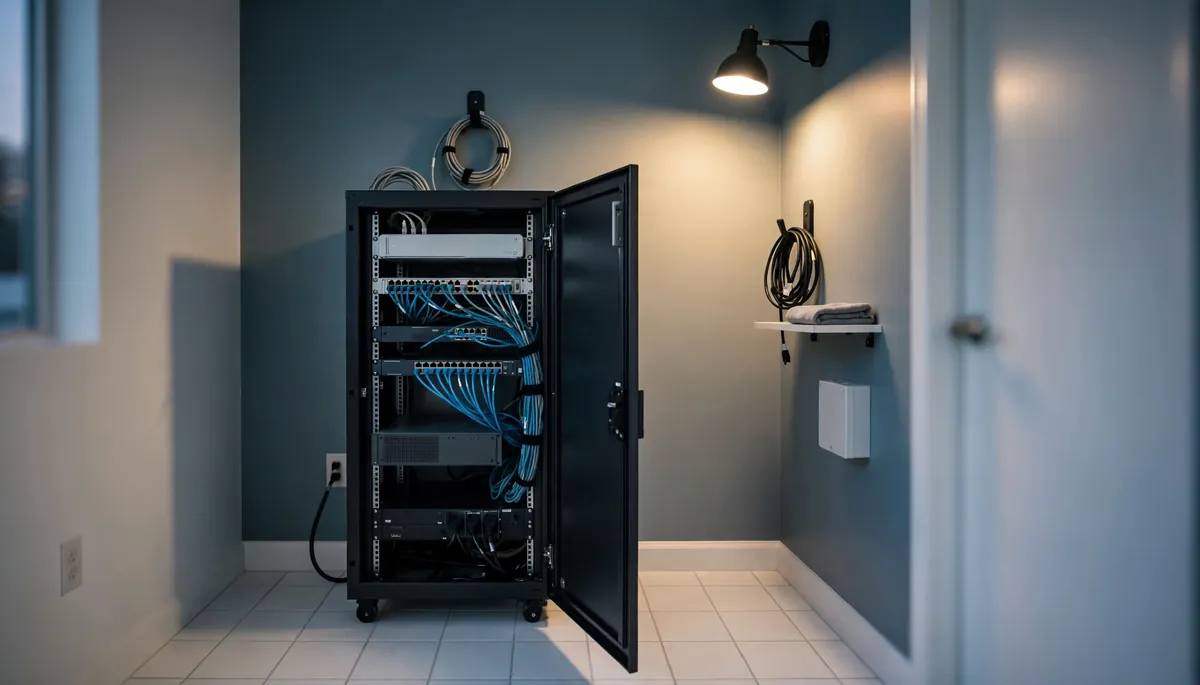
Server Cabinet Diagram: How a Cabinet Is Laid Out
A server cabinet diagram is a front elevation with numbered U positions. See the labeled parts, the rear and side views, and a layout you can copy.
Read more →
What Is Inside a Server Rack?
A server rack holds rack servers, switches, patch panels, storage, a UPS and PDU, plus rails, shelves, cable management and blanking panels. It ships empty.
Read more →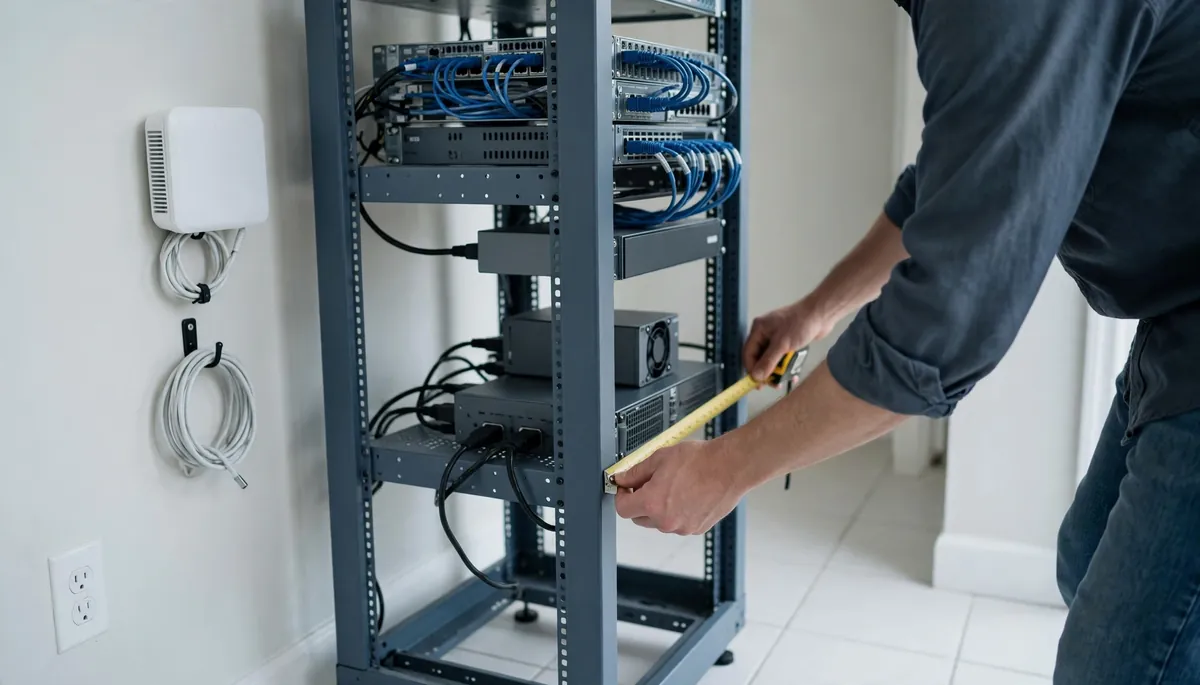
Server Rack Depth: How Deep Should Your Rack Be?
There is no standard server rack depth. Measure your deepest device ear to power-supply handle, add rear clearance, and compare to usable mounting depth.
Read more →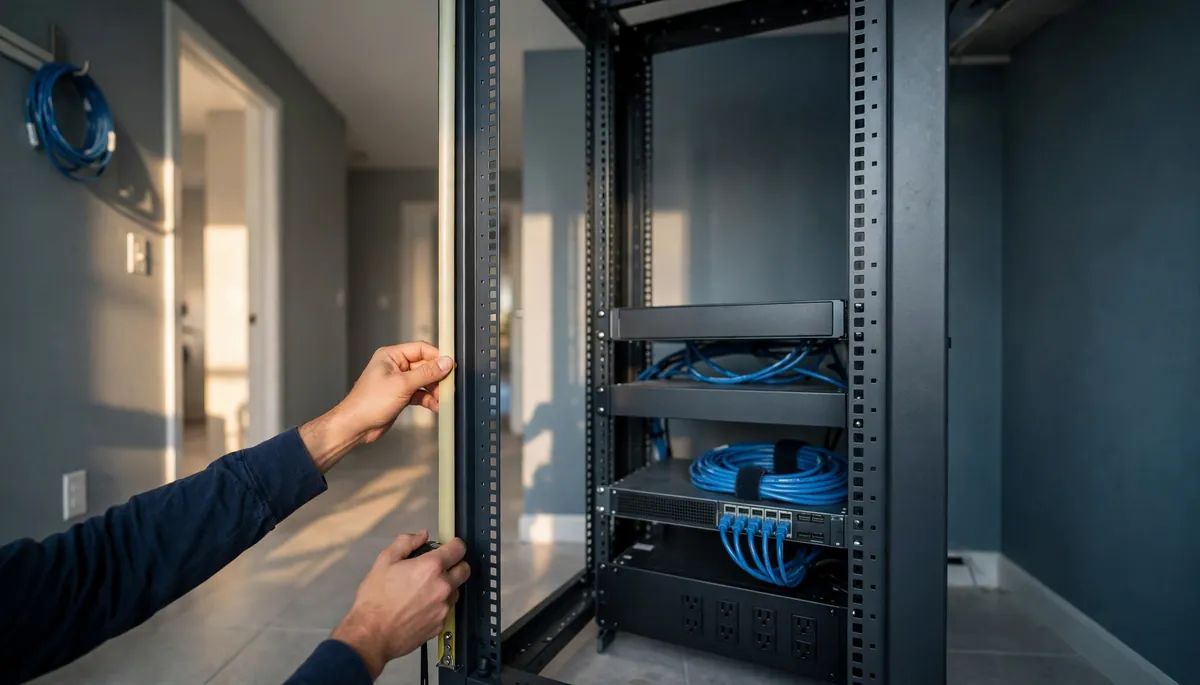
42U Server Rack Dimensions Explained
A 42U rack gives 73.5 in of usable rail height and stands about 78 to 81 in tall. See the real width, depth, weight and fit numbers before you buy.
Read more →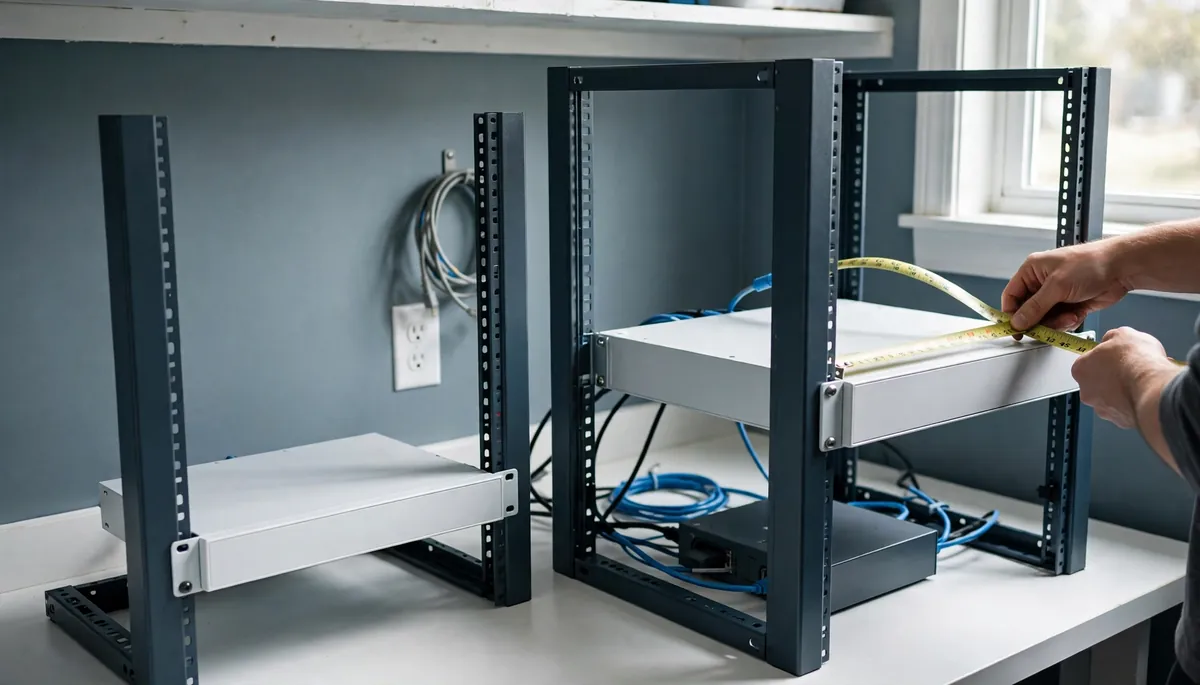
2-Post vs 4-Post Rack: Which One Should You Choose?
A 2-post rack mounts gear at the front only, a 4-post rack at the front and rear. Measure your deepest device: under about 20 in, two posts are enough.
Read more →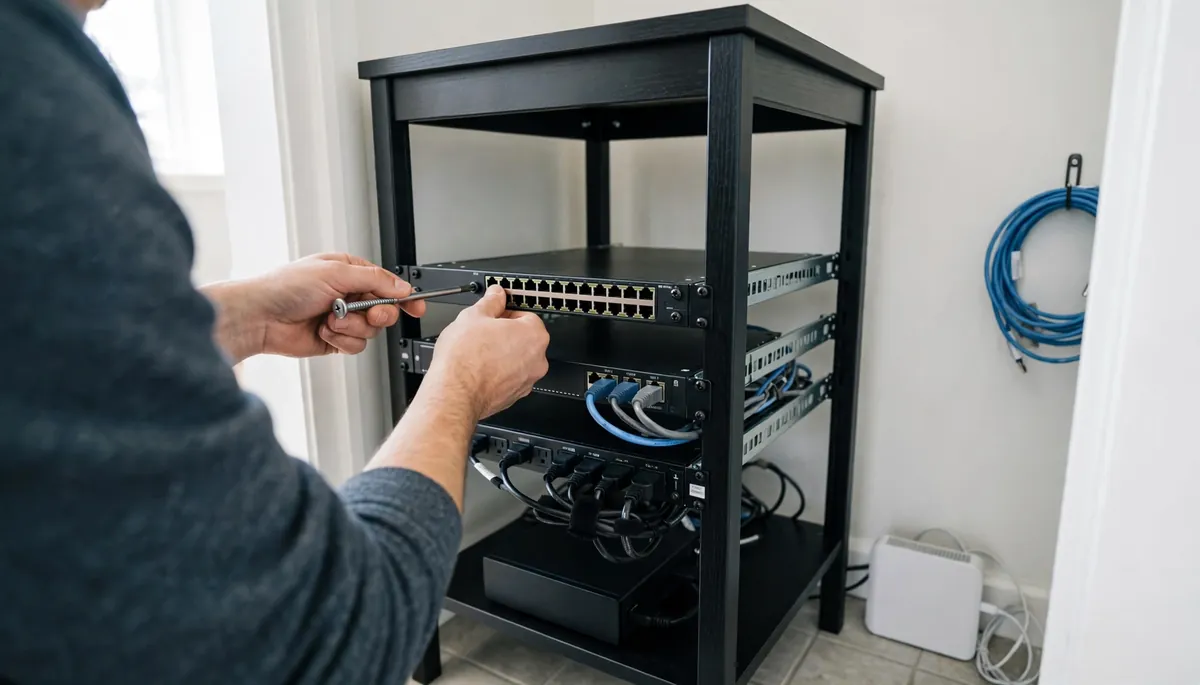
How to Build an Ikea Lack Server Rack
The LACK side table's legs sit about 19 inches apart, so 19-inch gear mounts straight between them. Which table to buy, the three build levels, and the limits.
Read more →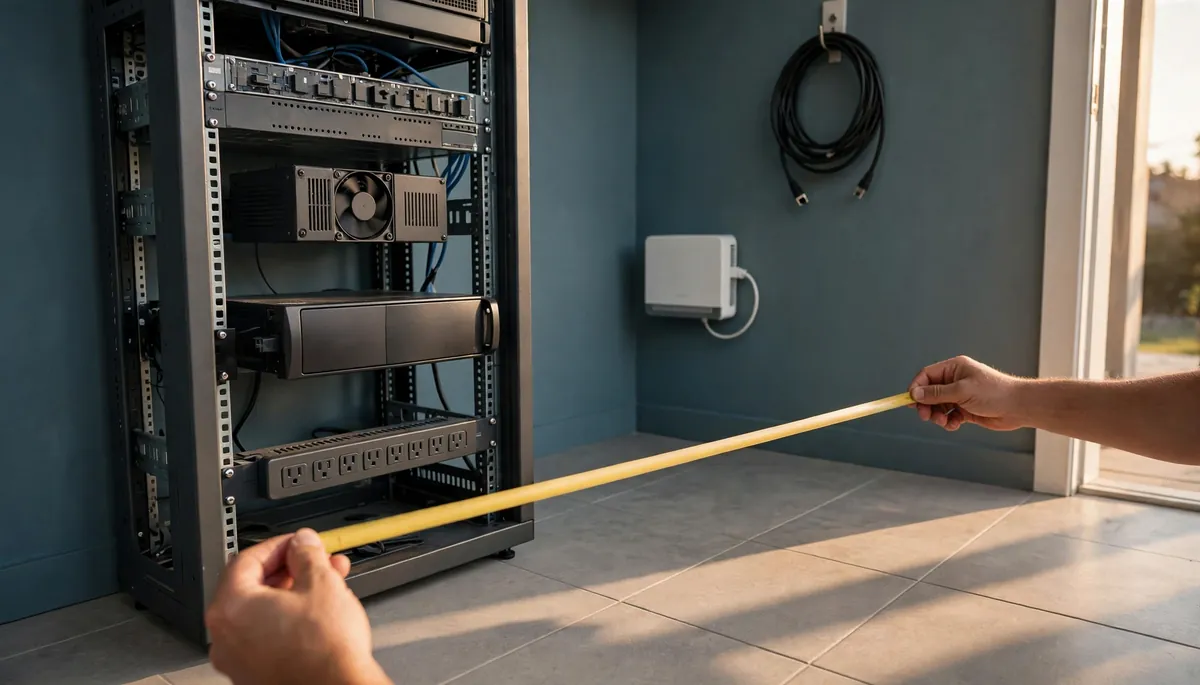
How Much Does a Server Rack Cost?
A server rack costs more than the frame once rails, a rack UPS, power, freight and labor are added. Depth, not height, is the number that sets the bill.
Read more →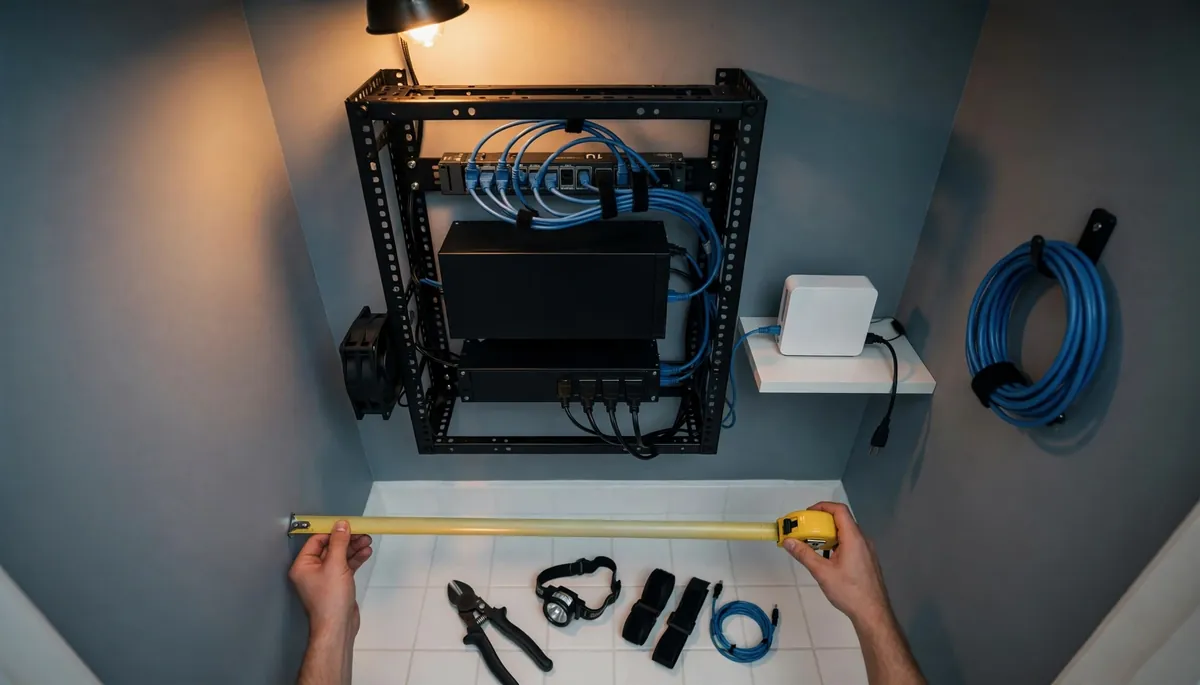
Closet Server Rack: How to Set One Up in a Small Space
A closet server rack works when you solve depth, heat exit, power and noise. Measure the closet, size the airflow and check the circuit before you buy a frame.
Read more →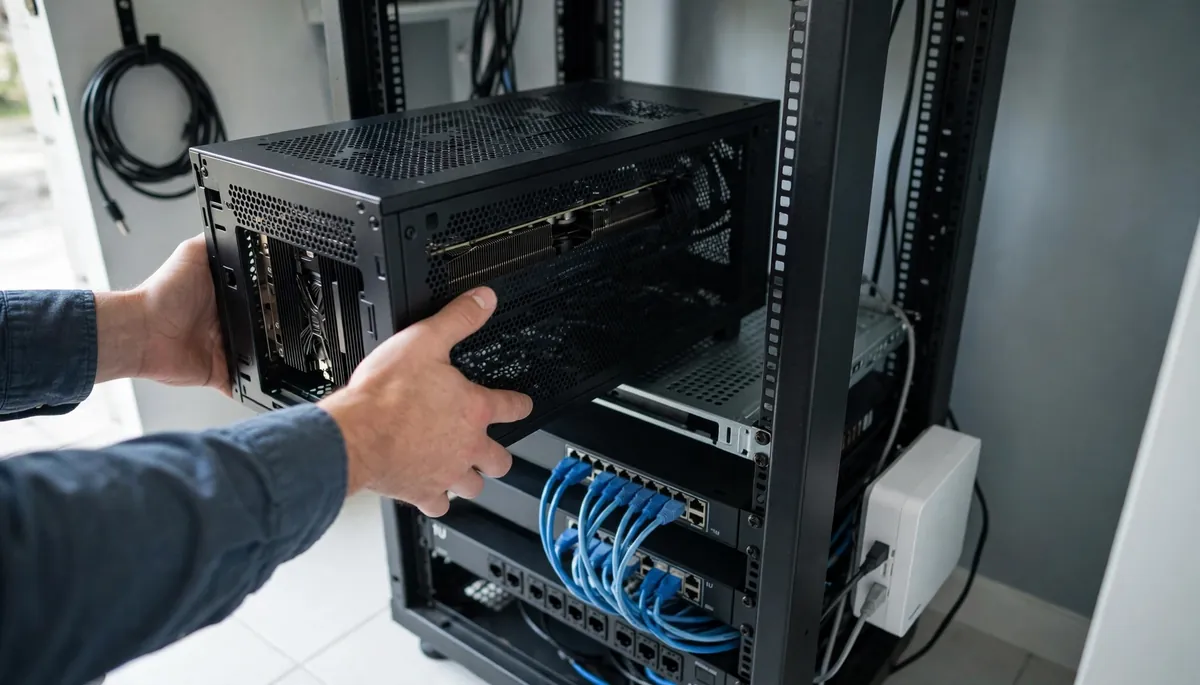
How to Put a Gaming PC in a Server Rack
A gaming PC fits in a server rack on a vented shelf, in a 4U chassis, or as a prebuilt. The real work is depth, GPU height and video to your desk.
Read more →Start with the measurement that limits you
Most rack decisions come down to a few physical limits: the width your equipment expects, the number of rack units it needs, and the depth it occupies once cables are attached. If you are unsure where to begin, the dimension articles are the safest first read, because a mistake in any of those figures is the hardest one to fix after delivery.
Once the measurements are settled, the choice of frame style and enclosure type becomes much easier. The comparison articles are written for that moment, when two designs both fit and you need to know which one suits your equipment.
Plan for heat and cabling early
Airflow and cable routing are easy to ignore on a new build and expensive to correct later. A rack that fits on paper can still run warm if cables block the intake or exhaust side, or if equipment is packed without room to breathe.
If your rack is already installed and something feels off, the cooling and cable management articles are the right place to look. They cover upkeep and troubleshooting, so they are useful long after the purchase.
Match the article to your stage
Think about where you are in the project. Before buying, you need sizing and comparison pages. While planning the layout, you need pages on what goes inside and how it is arranged. After setup, you need pages on temperature and tidy cabling.
Reading in that order keeps decisions in the right sequence and avoids revisiting choices you thought were settled.